Anyone whose supplier prices move
Price list with effective dates
What each product costs and sells for, and from which day.
7 columnsCSV
Any store running adsImports into nouz
What this file is
An ad spend import template records what each advertising source actually charged you, one row per source per day. Taking the figures from each platform's billing page rather than its reporting screen is what keeps the total honest, because attributed revenue overlaps between platforms and spend never does.
What is inside
The file nouz reads for spend no connector fetches, and a perfectly good ledger on its own: what each source charged on each day, taken from the billing side rather than from anyone's attributed revenue.
Rows 1 and 2 are the file. Click any cell to read it; the foot of the sheet says what its column is for.
| Row | A | B | C | D | E | F | G | H | I | J | K |
|---|---|---|---|---|---|---|---|---|---|---|---|
| 1 | date | amount | campaign | source | |||||||
| 2 | 2026-08-20 | 486.20 | Prospecting broad | ||||||||
| 3 | |||||||||||
| 4 | |||||||||||
| 5 | |||||||||||
| 6 | |||||||||||
| 7 |
A · dateThe day the money was spent, written 2026-08-20 or 20.08.2026.
In the order they sit in the file. Point at one and it is outlined in the sheet.
Behind the file
Everything on this file comes from the billing side. Each platform reports the revenue it believes it produced, every platform counts conversions it can plausibly see, and adding those claims together routinely exceeds what the store actually took. What cannot be double counted is the money that left your account, which is why spend is the only advertising figure a statement should ever import.
One row per source per day is deliberate, not fussy. Marketing costs are recognised on the day they were spent, so a week of spend rolled into a single Monday row makes that Monday look catastrophic and the rest of the week look free. The day-level file is what lets a statement place each euro where it belongs.
nouz reads four columns: date and amount, which every row needs, and campaign and source, which can stay empty. Amounts are used exactly as written, excluding VAT and in your store's currency, so convert an invoice in another currency first. German Excel files with semicolons and comma decimals, German headers (Datum, Betrag, Kampagne, Quelle) and dates like 20.08.2026 all work as they are. Use the file for spend no connector fetches: influencers, affiliates, print, a platform nouz does not connect to. A connected Meta, Google or TikTok account fetches its own history on its first sync, so importing that spend as well would count it twice.
Once the rows are in, the ratio worth watching is blended MER, revenue over spend from your own books rather than a platform's.
Imports into nouz
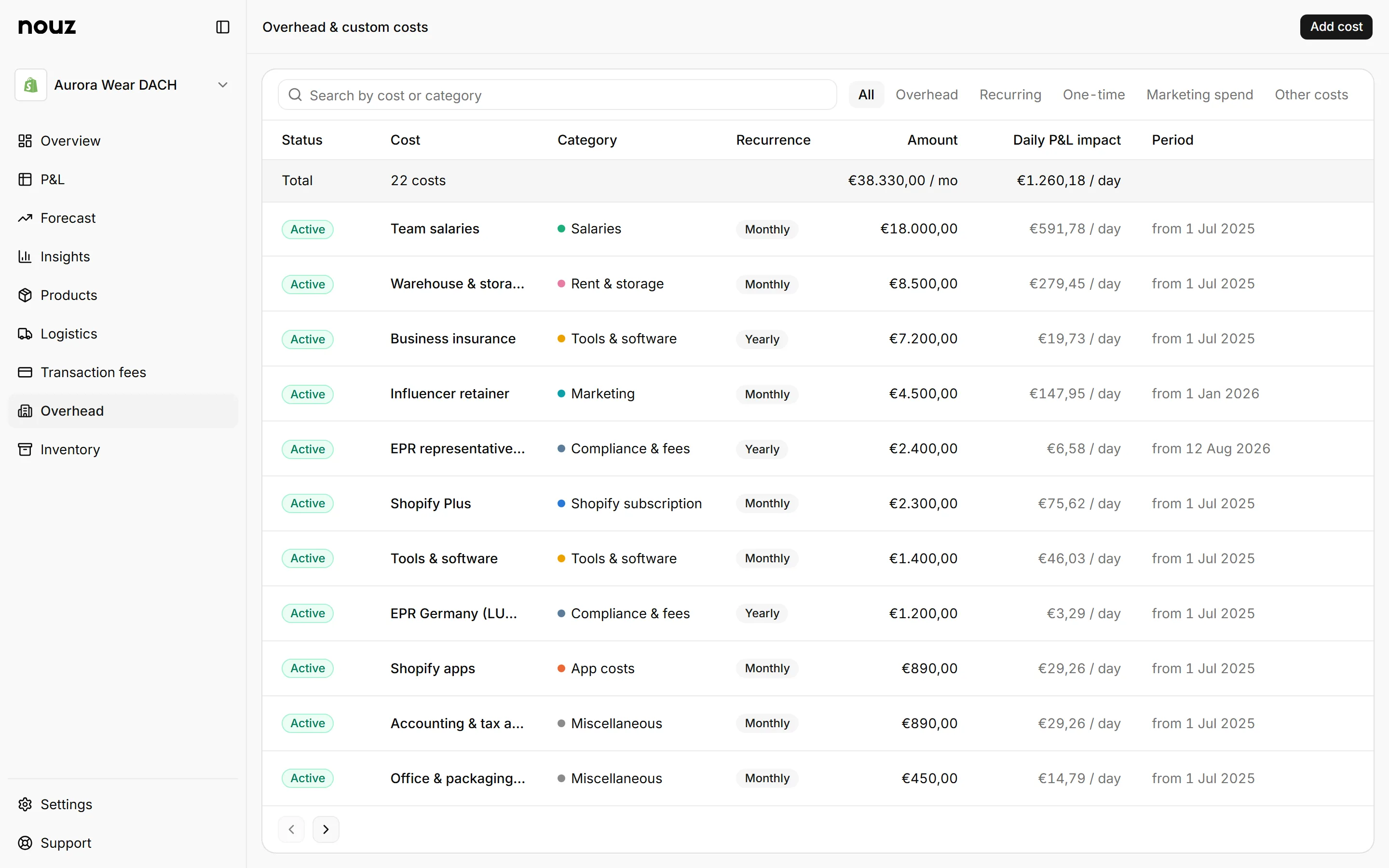
On the Overhead page: Add cost, then Marketing spend, then Import a CSV instead. Each import is listed as one row under Marketing spend and counts in marketing costs.
The importer reads date and amount, plus campaign and source when you fill them in. It takes commas or semicolons, and dates written as 2026-08-20 or 20.08.2026.
More templates
What each product costs and sells for, and from which day.
Zone by weight bracket, the way carriers actually bill.
nouz works out your real profit every night, after product costs, shipping, payment fees, ad spend and running costs, and sends it to your inbox each morning.