- nouz
- Help centre
- Setting up your costs
- What are overhead categories for?
Setting up your costs Answer 44 of 46 Updated
What are overhead categories for?
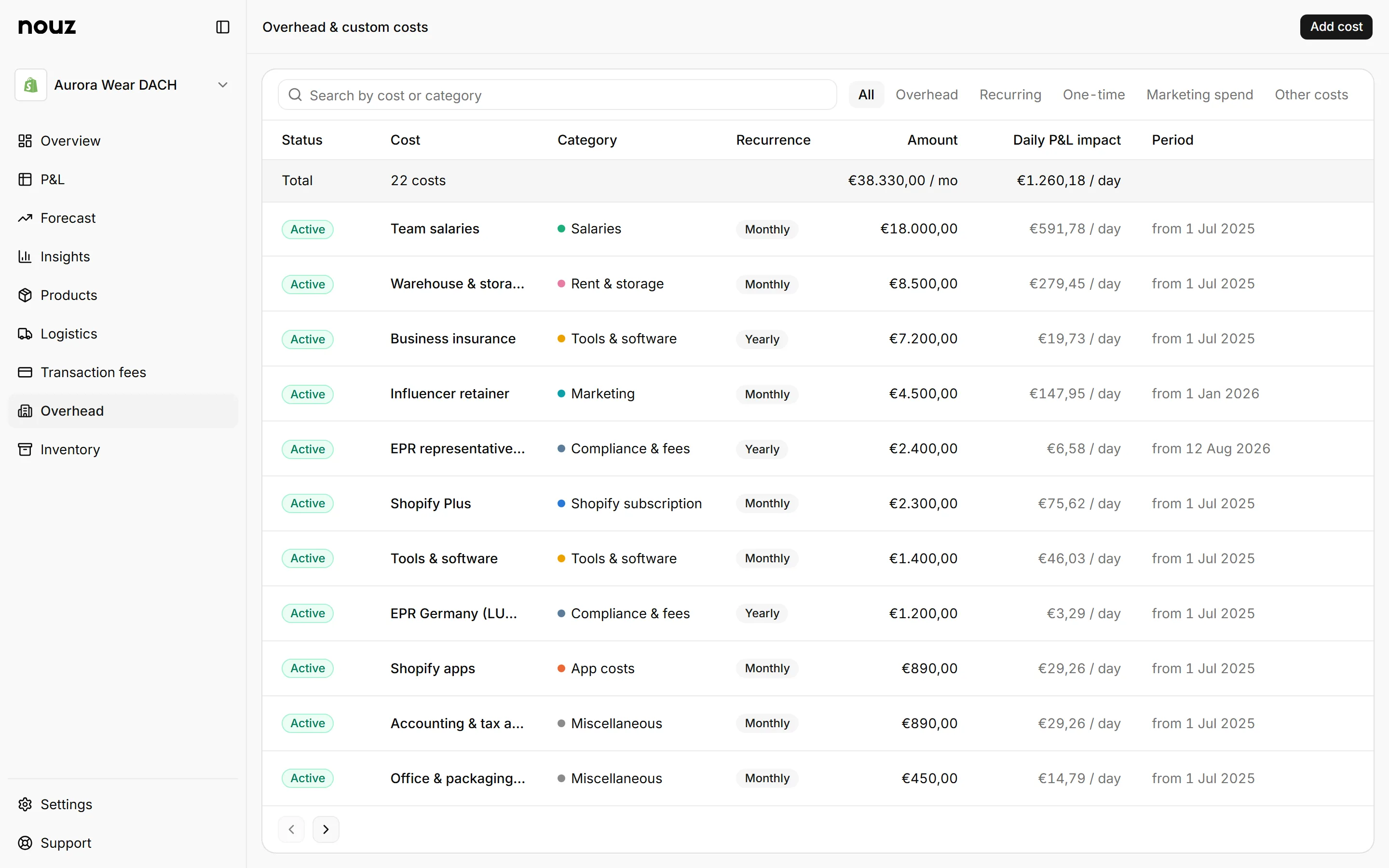
They group your fixed costs by kind, so you can see where the money goes. Fixed costs do not grow with each order, like rent. The preset categories are Shopify subscription, App costs, Salaries, Tools & software, Rent & storage, Agency & freelance, Compliance & fees and Miscellaneous. You can also name your own.
On the Overhead page, each category has an icon on a tile in its own colour. You see it in the form's Category list, before a cost's name in the table, and in Filter, where you can show only some categories and see how many costs each holds. The table also writes the category as a coloured label.
Grouping makes a slowly growing subscription bill visible in a way one total never does. A quarterly fixed cost review is the habit that catches it.
Two kinds of cost have a form of their own under Add cost instead. Marketing spend, like an influencer retainer, counts in marketing costs, because it is advertising, not rent. Other costs, one-offs like a repair, stay in overhead but get their own row on the P&L. So a month with a repair reads as normal overhead plus the repair. Each cost is counted exactly once either way.
Where you find it Overhead
Was this answer helpful?
More in Setting up your costs
All 46 questions- 42 What are Other costs on the Overhead page?
- 43 How do I add or delete a Custom category?
- 44 What are overhead categories for? You are reading this
- 45 What do A day and Daily P&L impact mean?
- 46 How are yearly costs spread?
See what your store really kept yesterday.
Install nouz in minutes from the Shopify App Store. It imports every order your store has ever taken. Cancel anytime.