- nouz
- Help centre
- Reading your P&L
- Can I pick any date range I want?
Reading your P&L Answer 5 of 36 Updated
Can I pick any date range I want?
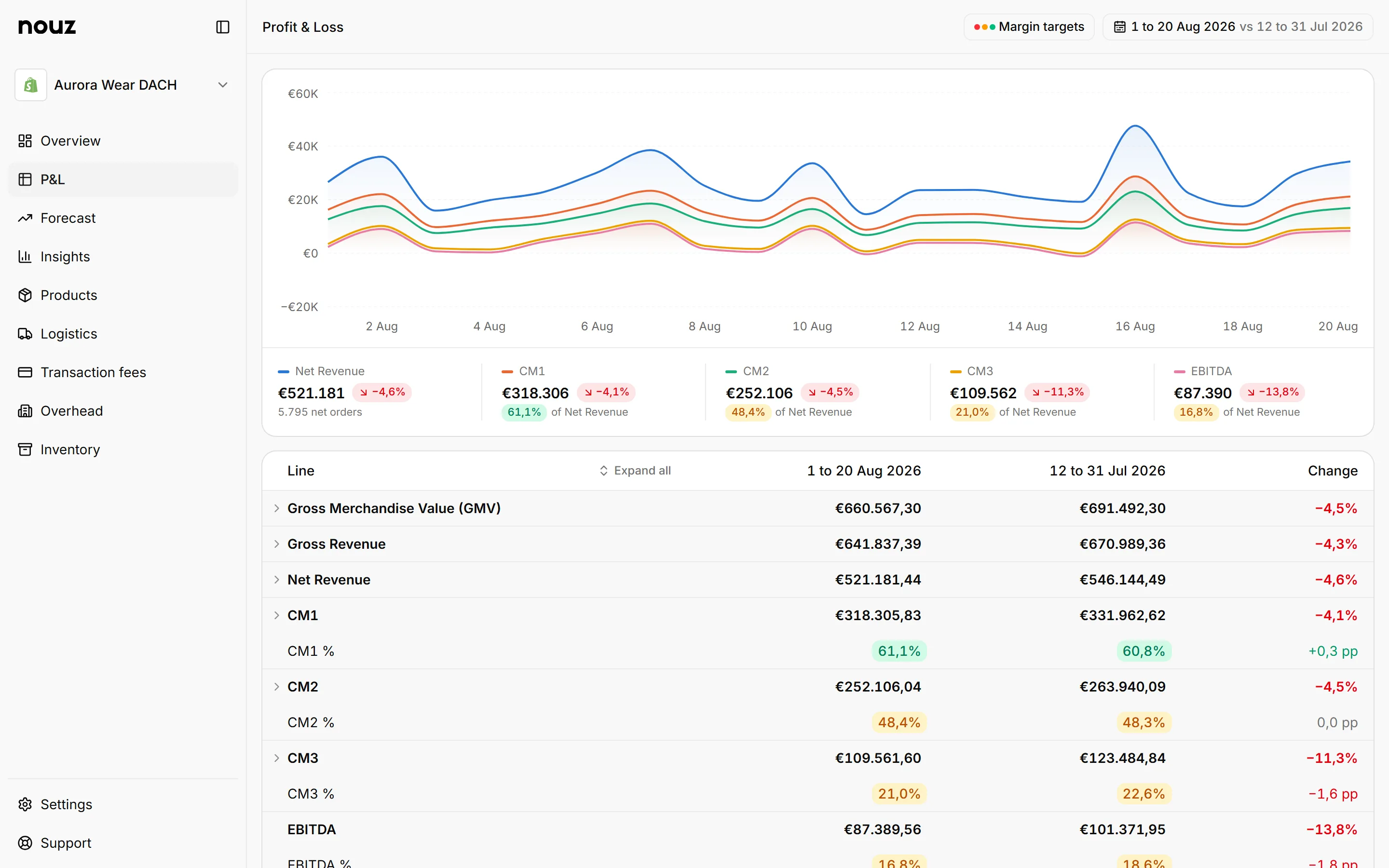
Yes. Open the range picker at the top of the P&L and pick any first and last day. A campaign week or a single Black Friday weekend works just like a month.
On the left are quick choices. They are Today, Yesterday, Last 7 days, Last 14 days, Last 30 days, Last 90 days, Last 12 months, Month to date, Last month, Quarter to date, Year to date, Last year and All time. Pick one, then press Apply. Cancel closes the picker and leaves the page as it was.
For any other days, pick Custom range at the bottom of the list. Type the first day in Start and the last day in End, day first, like 01.02.2026, 1.2.26 or 1 Feb 2026, and press Enter. Or click a first day and a last day in the calendar. Each month in the calendar has a month and a year menu, so going back a year is one click. Weeks start on Monday. Then press Apply.
A date that does not exist, like 31.02.2026, turns its field red, and Apply waits until you fix it. A date before your data moves to the first day nouz has figures for, and a date after today moves to today. The field says so under it. If the End is before the Start, the two are swapped.
In the same panel, you also pick the view: Total, Daily, Weekly, Monthly or Yearly. With several stores selected, you can also pick By store.
Your range is saved in the page's web address. So you can bookmark a view, or send the link to someone on your team. It opens just as you left it. Insights, Inventory, the LTV tab and the data export in Settings offer the same quick choices. On a phone, the picker opens from the bottom of the screen, with the quick choices in one row you swipe through.
A range always stays inside your store's history. Days before the first day nouz has figures for, and days after today, are left out. A link with no days of data at all opens on this month so far instead.
Where you find it P&L · the range picker
Was this answer helpful?
More in Reading your P&L
All 36 questions- 03 How do I compare two periods?
- 04 What do the Daily, Weekly, Monthly and Yearly views show?
- 05 Can I pick any date range I want? You are reading this
- 06 What does the chart at the top of the P&L show?
- 07 What do Expand all and Collapse all do on the P&L?
See what your store really kept yesterday.
Install nouz in minutes from the Shopify App Store. It imports every order your store has ever taken. Cancel anytime.