- nouz
- Help centre
- Setting up your costs
- How do I enter pick and pack costs?
Setting up your costs Answer 29 of 46 Updated
How do I enter pick and pack costs?
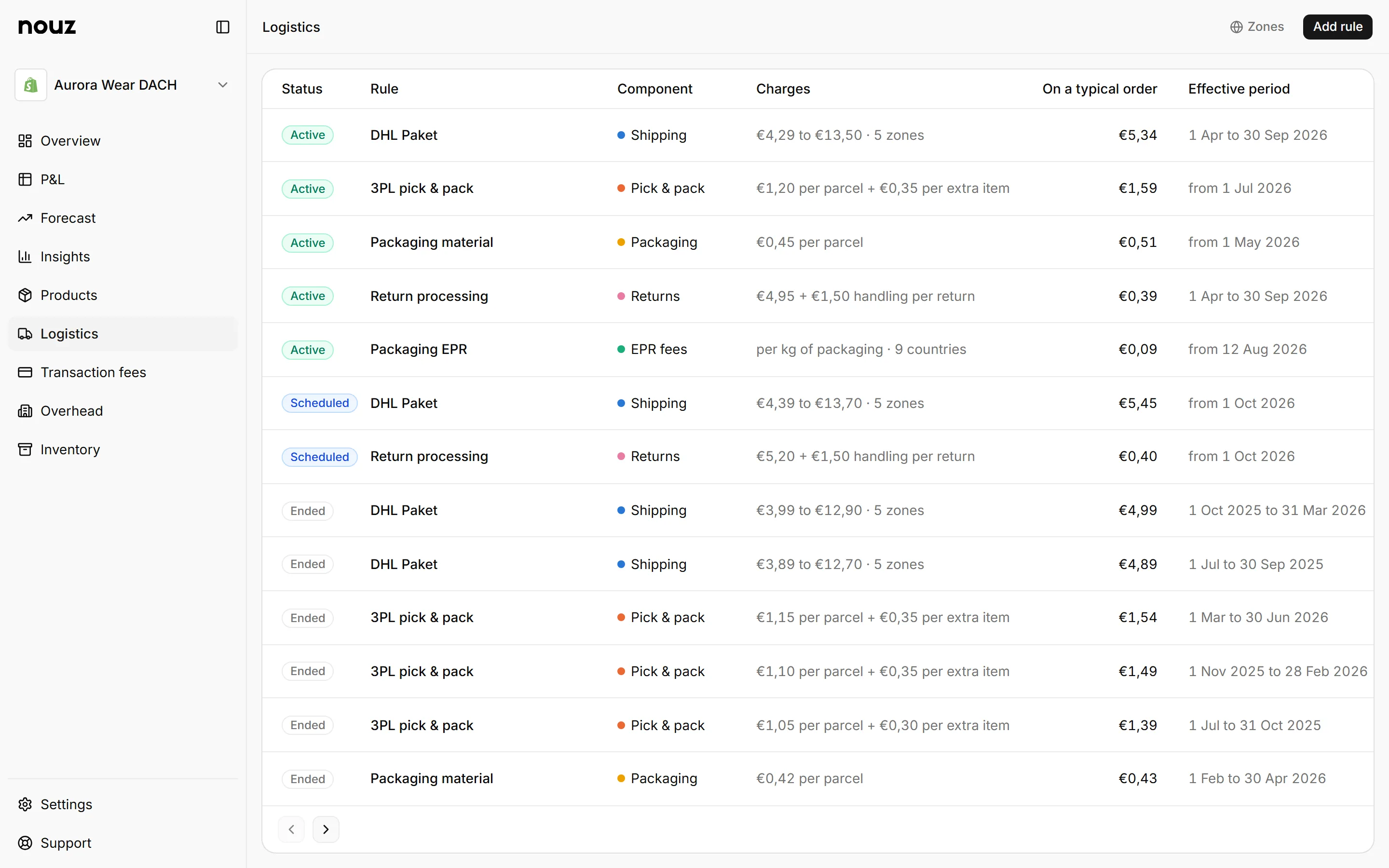
Pick and pack is what your warehouse charges to take items off the shelf and pack them. Open Logistics and click Pick & pack. Under What your warehouse charges, fill in Each parcel and Each extra item, as on your warehouse's invoice, without VAT. Then choose the day the prices start under From when these prices count, and click Save at the top.
Each parcel is the base, and Each extra item is the amount for each additional item. The first item costs the most, and each extra item is quicker. That is how most warehouses quote it. It is charged per parcel, not per order. If an order ships in two parcels, the warehouse packed twice.
An example: a base of €1,80 and €0,40 for each additional item. Then three items in one parcel cost €2,60: €1,80 for the first and 2 × €0,40 for the others. The same order split into a parcel of two and a parcel of one costs €2,20 plus €1,80, or €4,00.
Only items that need shipping count, so a digital product adds nothing. Items cancelled before they shipped never reach a parcel. An order picked up in your store still pays pick and pack, but no shipping label. A parcel sent to a pickup point, such as a parcel shop or locker, is a carrier shipment and pays its label like any other.
Like every cost, it has a start date, so a new warehouse contract only prices the orders after it. It counts in Logistic Costs on the day of the order, and shows as its own Pick & pack row when you open that line on the P&L. It is never paid back when an order is refunded, because the work was done.
Under What a parcel costs, the page shows your last 30 days: what a parcel with 1, 2, 3, 4 and 5 or more items costs, and what share of your parcels were that size. While you type, a line says what the new prices would cost on your last 30 days.
Where you find it Logistics
Was this answer helpful?
More in Setting up your costs
All 46 questions- 27 What is the catch-all zone for?
- 28 What do the figures on a logistics cost page mean?
- 29 How do I enter pick and pack costs? You are reading this
- 30 How do I enter packaging costs?
- 31 What is a packaging composition?
See what your store really kept yesterday.
Install nouz in minutes from the Shopify App Store. It imports every order your store has ever taken. Cancel anytime.